Next.js 部署到 Netlify 完整教學:設定、踩坑與解決方案【2025】
Next.js 專案想部署到 Netlify,但不確定該怎麼設定?或是部署完發現一堆問題:圖片不顯示、ISR 沒作用、API Routes 掛掉?
這篇文章會帶你一步步把 Next.js 正確部署到 Netlify,包含所有該注意的設定和常見的坑。看完就能順利上線。
為什麼選擇 Netlify 部署 Next.js?
說實話,Vercel 是 Next.js 最「官方」的選擇。但還是有理由選 Netlify。
選 Netlify 的理由
1. 統一管理
如果你其他專案都在 Netlify,把 Next.js 也放這裡比較方便。一個後台管理所有網站。
2. 內建功能
- Netlify Forms(不用寫後端處理表單)
- Netlify Identity(身份驗證)
- Netlify CMS(內容管理)
這些功能 Vercel 沒有內建。
3. 價格考量
某些用量下 Netlify 可能更便宜。特別是需要多人協作時。詳細額度看 Netlify 免費方案解析。
4. 技術需求
如果你不需要 Next.js 的最新功能(Server Actions、Partial Prerendering),Netlify 完全夠用。
選 Vercel 的理由
1. 官方支援
Vercel 是 Next.js 的開發公司,新功能第一時間支援。
2. 更好的相容性
某些 Next.js 功能在 Netlify 可能有限制或不支援。
3. 更多 Build 時間
Vercel 免費方案有 6000 分鐘,Netlify 只有 300 分鐘。
想深入比較?看這篇 Netlify vs Vercel 完整比較。
部署前準備
在開始部署之前,確認這些事情。

確認 Next.js 版本
Netlify 的 Next.js 外掛支援 Next.js 13 以上版本。
# 檢查版本
cat package.json | grep "next"
如果版本太舊,建議先升級:
npm install next@latest react@latest react-dom@latest
確認 Build 指令
打開 package.json,確認有這些 script:
{
  "scripts": {
    "dev": "next dev",
    "build": "next build",
    "start": "next start"
  }
}
確認本地 Build 成功
部署前先在本地跑一次 build:
npm run build
如果本地都 build 失敗,部署也不會成功。想快速測試部署?可以先用 Netlify Drop 拖曳部署試試。
設定 Node 版本
Netlify 預設的 Node 版本可能跟你本地不同。建議明確指定:
// package.json
{
  "engines": {
    "node": "18.x"
  }
}
或用 .nvmrc 檔案:
18
環境變數
如果專案有用到環境變數(.env.local),記下來,等等要在 Netlify 設定。
NEXT_PUBLIC_API_URL=https://api.example.com
DATABASE_URL=postgres://...
完整部署流程
準備好了,開始部署。
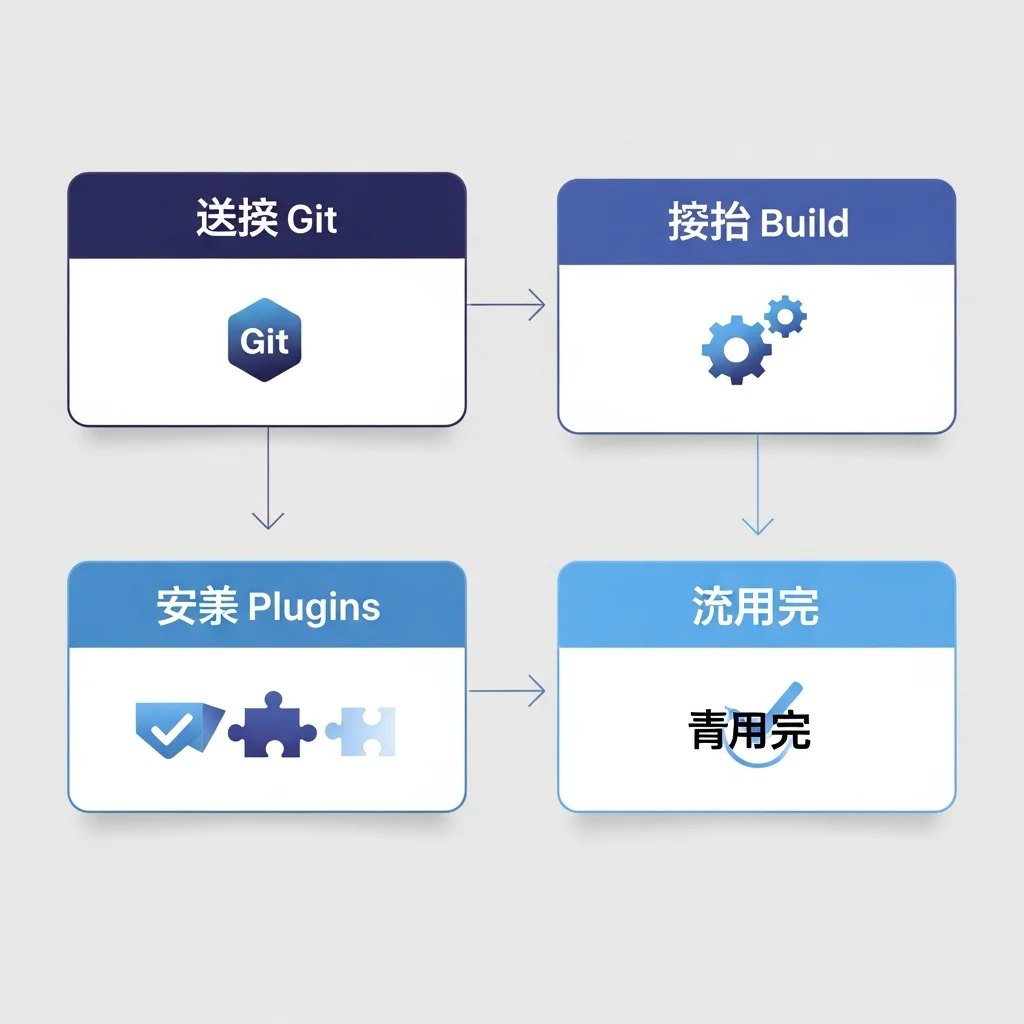
步驟一:建立 netlify.toml
在專案根目錄建立 netlify.toml,這是 Netlify 的設定檔:
[build]
  command = "npm run build"
  publish = ".next"

[[plugins]]
  package = "@netlify/plugin-nextjs"
這個設定告訴 Netlify:
- 用 npm run build 編譯
- 輸出目錄是 .next
- 安裝 Next.js 專用外掛
步驟二:安裝 Netlify Next.js 外掛
npm install -D @netlify/plugin-nextjs
這個外掛會處理:
- API Routes 轉成 Netlify Functions
- ISR(Incremental Static Regeneration)
- Image Optimization
- Middleware
步驟三:推送程式碼
確保程式碼已經推到 GitHub:
git add .
git commit -m "Add Netlify config"
git push
步驟四:連結 Netlify
- 登入 Netlify
- 點「Add new site」>「Import an existing project」
- 選擇 GitHub
- 找到你的 repo
- 確認 Build 設定:
- Build command:npm run build
- Publish directory:.next
步驟五:設定環境變數
- 進入網站設定
- 點「Site configuration」>「Environment variables」
- 新增你的環境變數
重要:NEXT_PUBLIC_ 開頭的變數是公開的,會被打包進前端程式碼。
步驟六:部署
點「Deploy site」,等待 build 完成。
第一次部署可能需要 2-5 分鐘,取決於專案大小。
步驟七:驗證
部署完成後:
- 點擊預覽網址
- 確認頁面正常顯示
- 測試各個功能
常見問題與解決方案
Next.js 在 Netlify 部署常見的問題和解決方法。
問題一:Build 失敗
錯誤訊息:
Error: Cannot find module 'xxx'
解決方法:
1. 確認 package.json 的 dependencies 完整
2. 刪除 node_modules 和 package-lock.json,重新安裝
3. 確認 Node 版本正確
rm -rf node_modules package-lock.json
npm install
問題二:圖片不顯示
原因:Next.js 的 Image Optimization 需要額外設定。
解決方法:
在 next.config.js 加入:
/** @type {import('next').NextConfig} */
const nextConfig = {
  images: {
    unoptimized: true, // 最簡單的方法
    // 或者使用 Netlify 的圖片優化
    // loader: 'custom',
    // loaderFile: './image-loader.js',
  },
}

module.exports = nextConfig
如果想用 Netlify 的圖片優化,需要更多設定。最簡單的方式是把 unoptimized 設成 true。
問題三:API Routes 回傳 404
原因:API Routes 沒有正確轉換成 Netlify Functions。
解決方法:
1. 確認安裝了 @netlify/plugin-nextjs
2. 確認 netlify.toml 設定正確
3. 清除 cache 重新部署
在 Netlify 後台:Deploys > Trigger deploy > Clear cache and deploy site
問題四:ISR 沒有作用
原因:ISR 在 Netlify 的行為跟 Vercel 不同。
解決方法:
Netlify 使用 On-Demand Builders 處理 ISR。大部分情況下 @netlify/plugin-nextjs 會自動處理。
如果還是有問題:
1. 確認 revalidate 時間設定合理
2. 檢查 Netlify Functions 是否正常運作
// pages/posts/[id].js
export async function getStaticProps({ params }) {
  return {
    props: { ... },
    revalidate: 60, // 60 秒後重新生成
  }
}
問題五:Middleware 不運作
原因:Netlify 用 Edge Functions 處理 Middleware,有些限制。
解決方法:
確認 netlify.toml 有正確設定:
[[edge_functions]]
  function = "middleware"
  path = "/*"
注意:某些 Middleware 功能可能不完全支援。如果很依賴 Middleware,考慮用 Vercel。
問題六:環境變數取不到
原因:環境變數沒有正確設定或命名錯誤。
解決方法:
1. 確認在 Netlify 後台設定了環境變數
2. 前端使用的變數要加 NEXT_PUBLIC_ 前綴
3. 重新部署(環境變數更改後需要重新 build)
// 前端程式碼(可以取到)
const apiUrl = process.env.NEXT_PUBLIC_API_URL

// 後端程式碼(API Routes)
const dbUrl = process.env.DATABASE_URL
問題七:部署成功但網站空白
原因:Publish directory 設定錯誤。
解決方法:
1. 確認 netlify.toml 的 publish 是 .next
2. 確認 Build 有成功(看 Deploy log)
更多錯誤解決方法?看這篇 Netlify 502 錯誤完整解決指南。
進階設定
基本部署搞定後,來看一些進階設定。
設定 Redirects
在 netlify.toml 或 public/_redirects 設定:
# netlify.toml
[[redirects]]
  from = "/old-page"
  to = "/new-page"
  status = 301

[[redirects]]
  from = "/api/*"
  to = "/.netlify/functions/:splat"
  status = 200
設定 Headers
# netlify.toml
[[headers]]
  for = "/*"
  [headers.values]
    X-Frame-Options = "DENY"
    X-Content-Type-Options = "nosniff"

[[headers]]
  for = "/static/*"
  [headers.values]
    Cache-Control = "public, max-age=31536000, immutable"
設定 Build Plugins
# netlify.toml
[[plugins]]
  package = "@netlify/plugin-nextjs"

[[plugins]]
  package = "netlify-plugin-cache"
  [plugins.inputs]
    paths = [".next/cache"]
Cache plugin 可以加速後續 build。
設定分支部署
# netlify.toml
[context.production]
  command = "npm run build"

[context.deploy-preview]
  command = "npm run build"
  [context.deploy-preview.environment]
    NODE_ENV = "development"

[context.branch-deploy]
  command = "npm run build"
使用 Netlify Functions
除了 API Routes,也可以直接寫 Netlify Functions:
// netlify/functions/hello.js
exports.handler = async (event, context) => {
  return {
    statusCode: 200,
    body: JSON.stringify({ message: "Hello from Netlify!" }),
  };
};
呼叫方式:/.netlify/functions/hello
整合 Netlify Forms
在 Next.js 中使用 Netlify Forms:
// pages/contact.js
export default function Contact() {
  return (
    <form name="contact" method="POST" data-netlify="true">
      <input type="hidden" name="form-name" value="contact" />
      <input type="text" name="name" required />
      <input type="email" name="email" required />
      <textarea name="message" required></textarea>
      <button type="submit">送出</button>
    </form>
  );
}
注意:需要在 public 資料夾放一個靜態 HTML 版本的表單,讓 Netlify 偵測到。
效能優化建議
讓 Next.js 在 Netlify 跑得更快。
啟用快取
# netlify.toml
[[plugins]]
  package = "netlify-plugin-cache"
  [plugins.inputs]
    paths = [
      ".next/cache",
      "node_modules/.cache"
    ]
減少 Bundle Size
// next.config.js
const nextConfig = {
  experimental: {
    optimizePackageImports: ['lodash', 'date-fns'],
  },
}
使用 Static Export(如果可以)
如果你的網站是純靜態的,可以用 Static Export:
// next.config.js
const nextConfig = {
  output: 'export',
}
這樣就不需要 Serverless Functions,部署更簡單。
監控 Build 時間
在 Netlify 後台查看每次 build 花多少時間。如果超過 5 分鐘,考慮:
- 減少套件數量
- 優化圖片處理
- 使用增量 build
常見問題 FAQ
Next.js App Router 支援嗎?
支援。@netlify/plugin-nextjs 支援 App Router 和 Pages Router。
Server Actions 支援嗎?
部分支援。基本功能可以用,但某些進階功能可能有限制。
可以用 next/image 嗎?
可以,但需要設定。最簡單的方式是設 unoptimized: true,或用 Cloudinary 等外部服務。
ISR 的行為跟 Vercel 一樣嗎?
類似,但不完全一樣。Netlify 用 On-Demand Builders,某些邊緣情況可能不同。
部署失敗要怎麼 debug?
- 看 Deploy log 的錯誤訊息
- 在本地跑
npm run build確認能成功 - 檢查環境變數是否正確
- 試試 Clear cache and deploy
可以用 Netlify CLI 本地測試嗎?
可以:
npm install -g netlify-cli
netlify dev
這會模擬 Netlify 的環境,包含 Functions。
Next.js 部署 Netlify 重點整理與建議
Next.js 部署到 Netlify 並不難,但有些眉角要注意:
- 安裝
@netlify/plugin-nextjs:這是關鍵 - 設定
netlify.toml:正確的 build 設定 - 處理圖片:設定
unoptimized或用外部服務 - 環境變數:前端用
NEXT_PUBLIC_前綴 - 測試各功能:API Routes、ISR、Middleware
如果你的專案重度依賴 Next.js 的最新功能,還是建議用 Vercel。但如果只用基本功能,Netlify 完全可行。
想了解更多 Netlify?看這篇 Netlify 完整指南。
VibeFix 是專門幫助非工程師處理程式部署問題的服務。AI 幫你寫代碼,我們幫你上線。
Next.js 部署遇到問題?設定搞不定?讓 VibeFix 幫你解決